
Old Photo Restore Online
Restore faded, scratched, or blurry old photos online in minutes. Preview the before-and-after and download high-resolution results.


Upload a photo to restore
Drag & drop your old memories here or click to browse
Try with sample photos
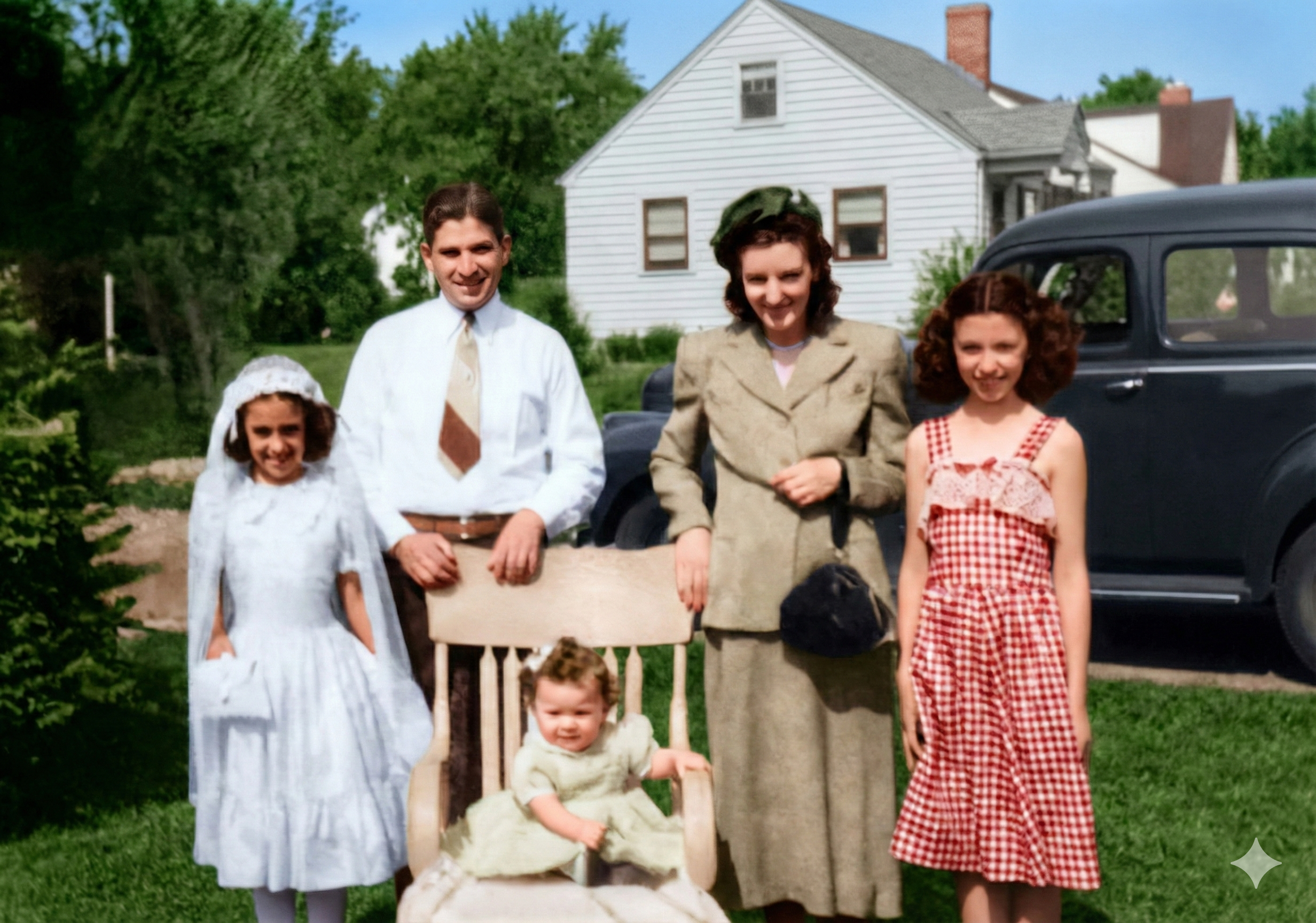
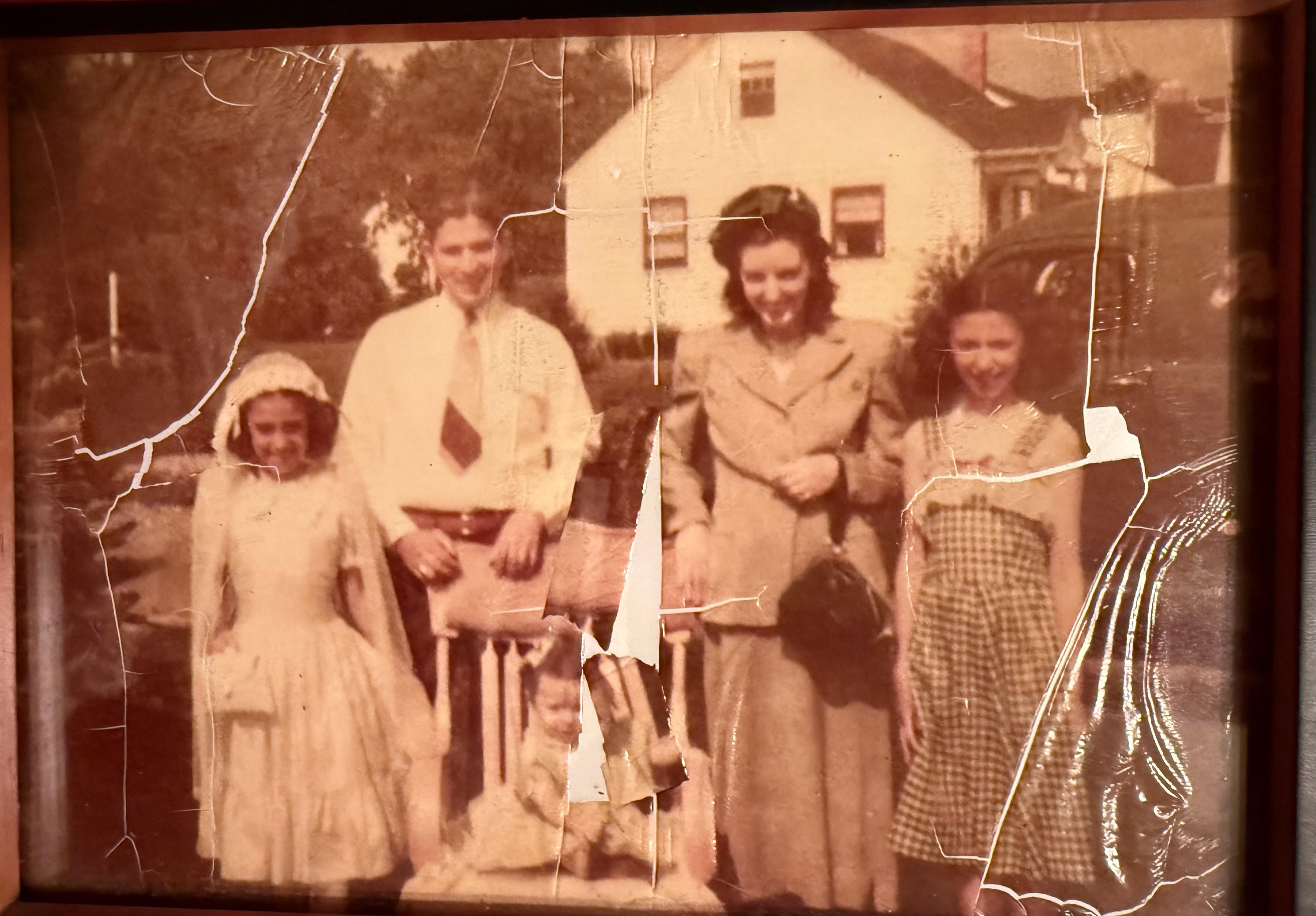
What “Old Photo Restore” Means (And What You’ll Get)
To be clear: this is a fully automated AI service. You upload a digital scan, the AI analyzes and repairs it, and you download a digital file—not a physical photo.
What we do
We analyze pixels to identify and repair damage (scratches, dust, fading, blur) while keeping the photo's original character.
What you get
A cleaned-up, higher-quality digital file (JPG/PNG) you can share, archive, or print anywhere.
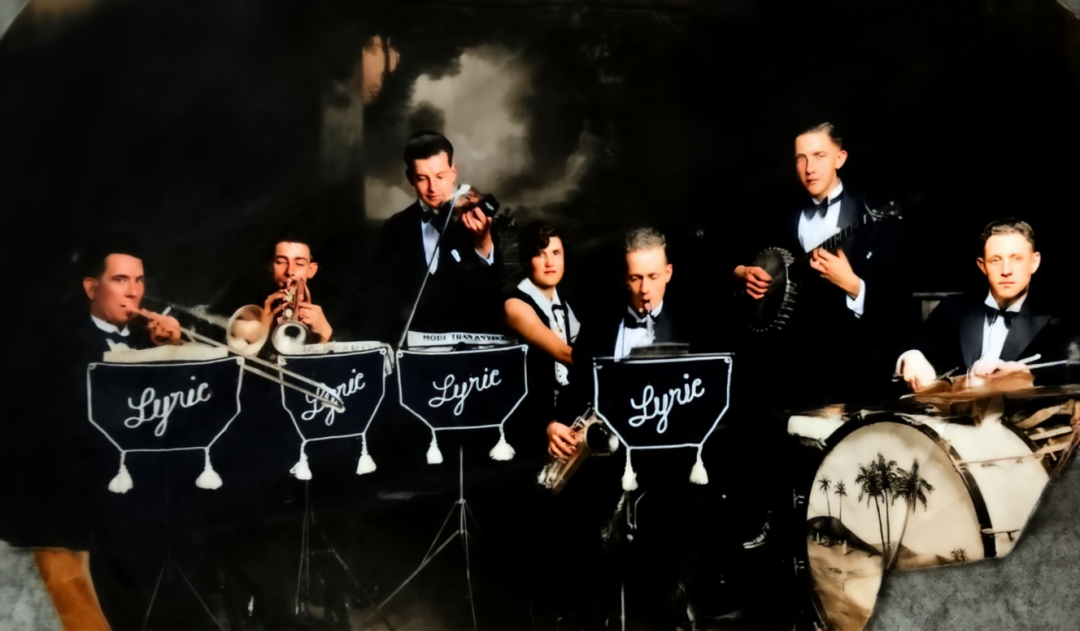
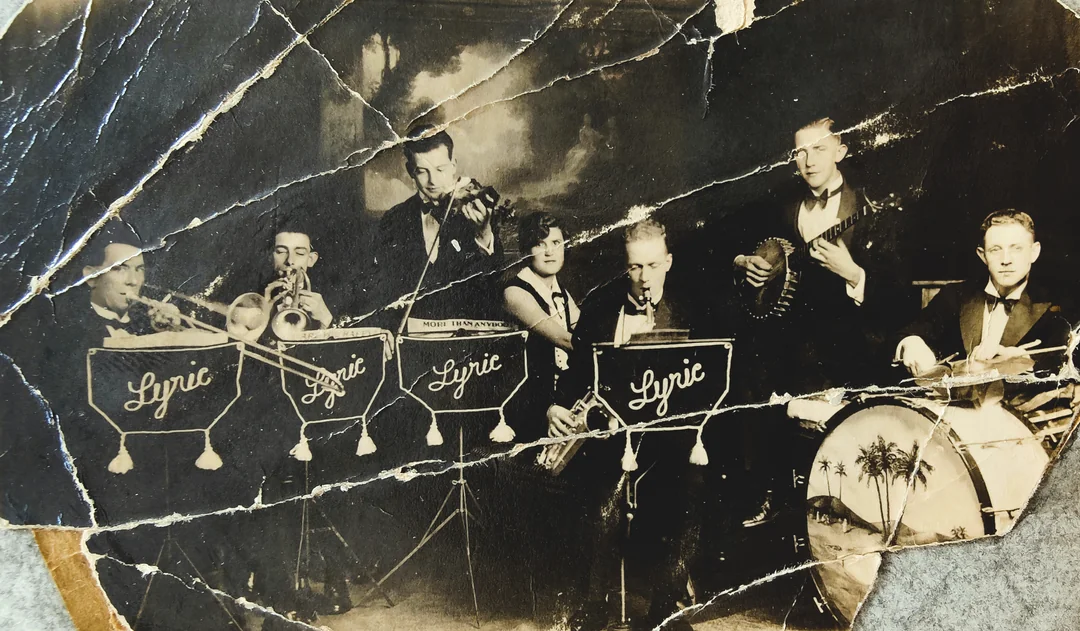
Professional AI Photo Repair for Damaged Images
Old Photo Restore is designed to repair old photos with high accuracy. From scratches and torn edges to dust, stains, and fading, the AI analyzes every pixel and intelligently restores missing or damaged areas.
Surface Repair
Repair scratches, tears, and surface damage with minimal artifacts.
Stain Cleaning
Remove dust, stains, and water damage.

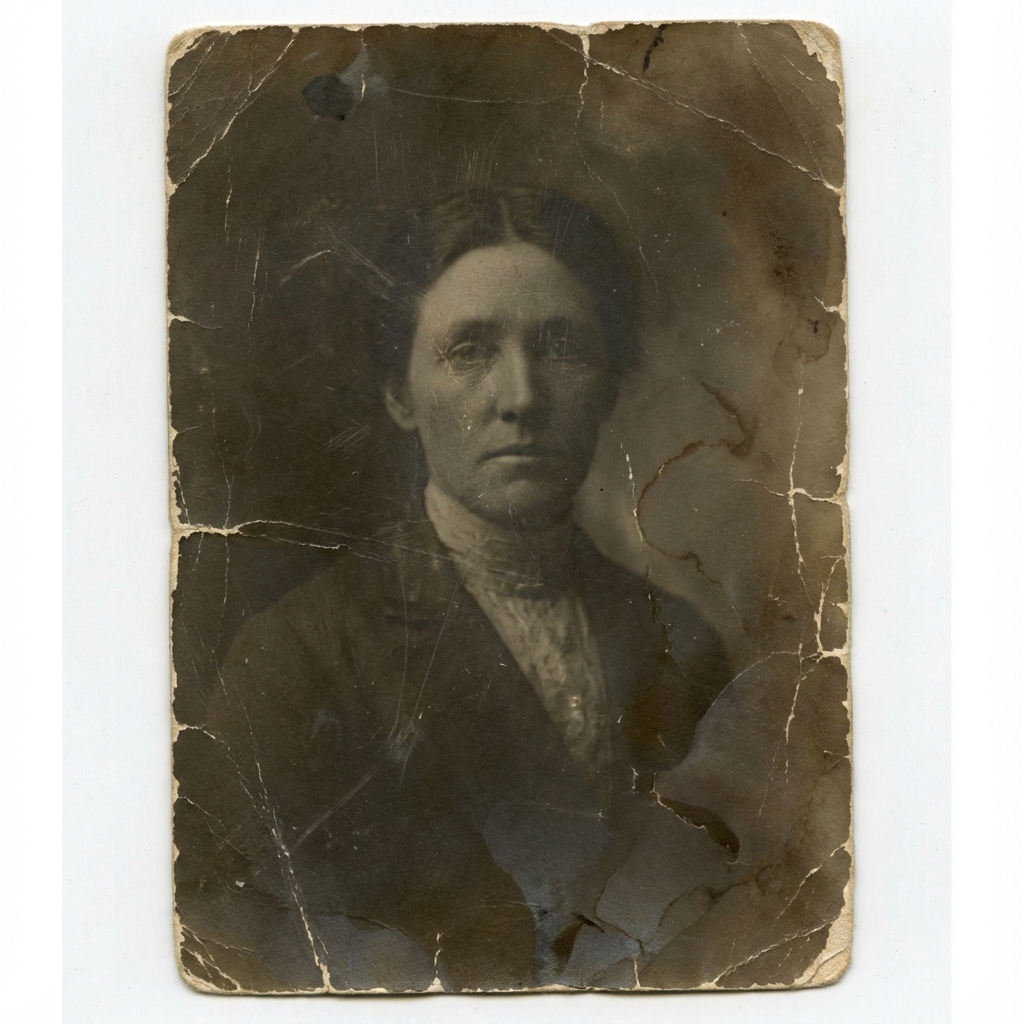
AI-Powered Colorization – From Black & White to Life
Our AI photo restoration doesn’t just repair damage — it adds realistic, vibrant colors with AI colorization. With just one click, you can enhance old photos and give them a fresh look that reflects natural tones and textures.
Natural Tones
Vibrant and authentic color application.
One-Click Magic
Fully automated colorization process.
Use Cases for Old Photo Restore
Versatile restoration for every need.
Families
Preserve wedding portraits and childhood pictures.
Historians
Digitally repair rare historical photos.
Artists
Incorporate restored photos into creative projects.
Genealogists
Bring ancestry and family trees to life.
Collectors
Restore vintage images without touching originals.
Educators
Use enhanced photos to make history vivid.
Upload → Restore → Preview
You don’t need editing skills to fix old photos. The process is designed to be straightforward.
Upload your scan
Upload a photo from your phone or scanner (JPG/PNG/WEBP). High-quality scans lead to better restoration output.
Choose what to apply
Choose Restore or Restore & Colorize, then select 2K/4K/8K output size.
Preview & Download
Our restoration pipeline runs online. Check the results using the comparison slider then download high-resolution versions.
What We Can Fix: Faded, Blurry, Scratches
Our AI photo restore process is built to handle the most common categories of aging damage.
Faded and yellowing
We rebalance tones so the photo looks clearer and closer to a natural baseline.
Blur and softness
Improve clarity so features are more recognizable—perfect for genealogy records.
Scratches and dust
Target surface defects and reduce them without creating a plastic-looking image.
Low-quality scans
Improve poor quality scans by denoising and upscaling, with exports available in high resolution.
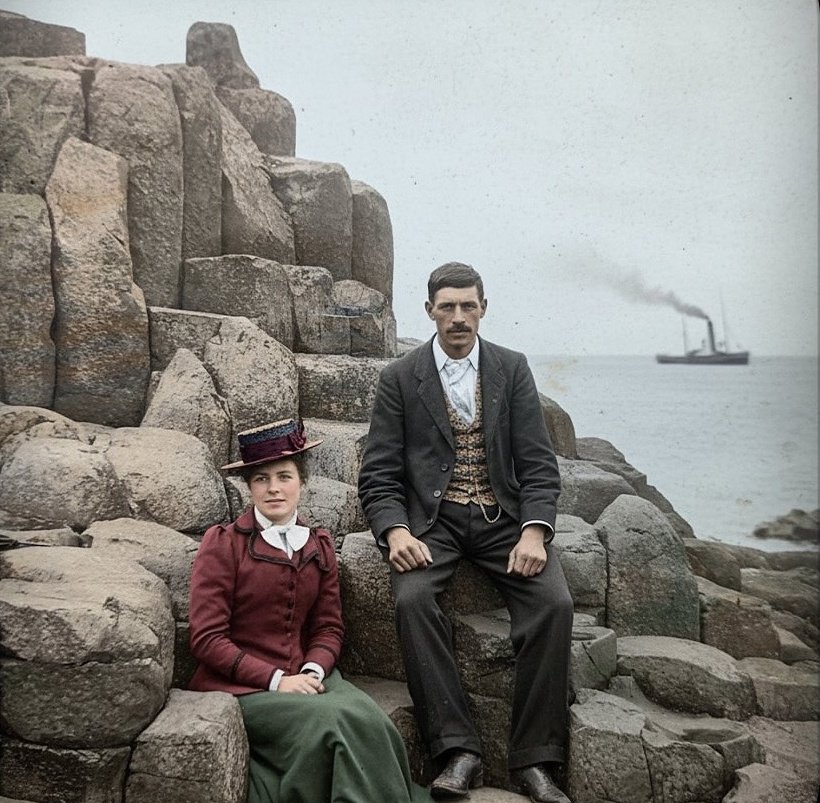
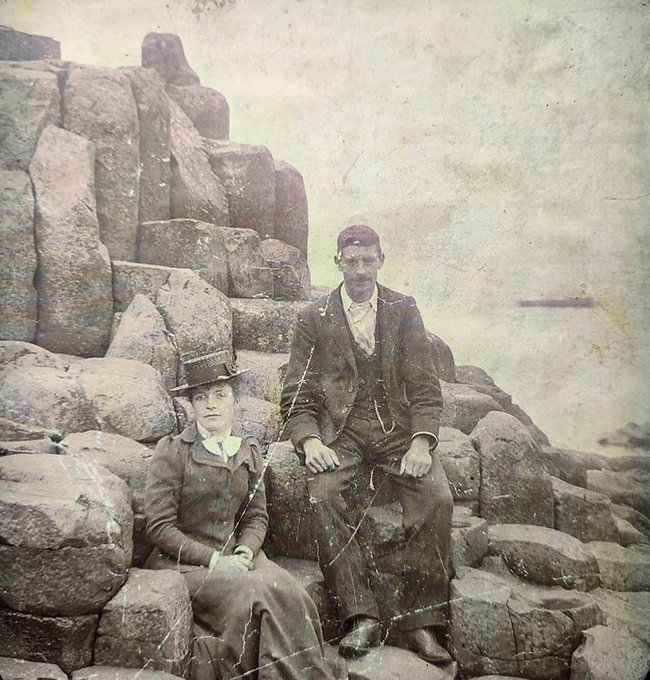
Natural-Looking Results
One of the biggest frustrations with generic tools is “over-processing”—waxy skin and fake textures. Our goal is natural photo restoration, not a synthetic makeover.
Avoid Over-Processing
We prioritize a realistic look by balancing cleanup with texture retention to preserve identity.
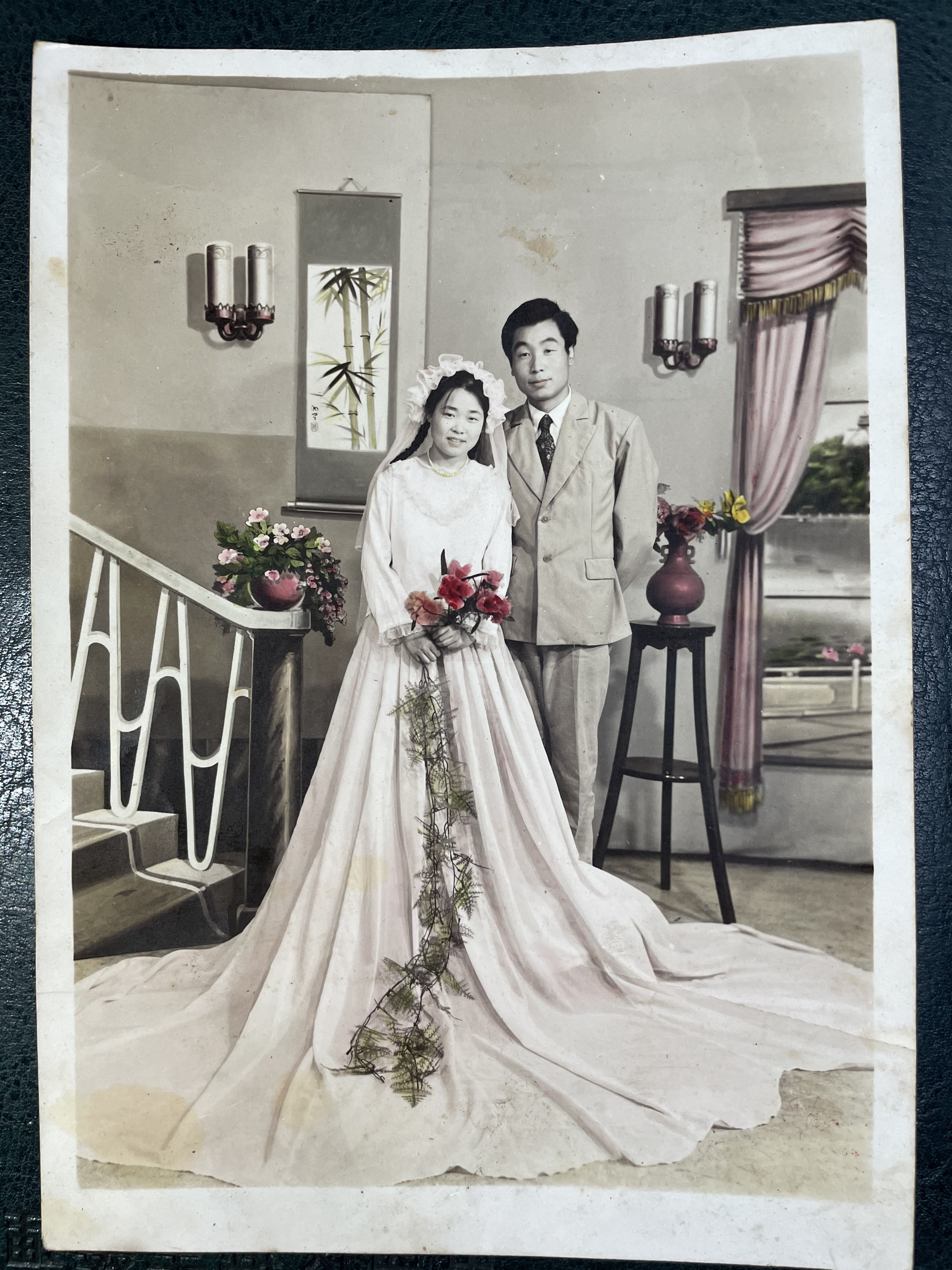
It's under your control. The restoration process aims for natural results, preserving the character and identity found in the original film photo.
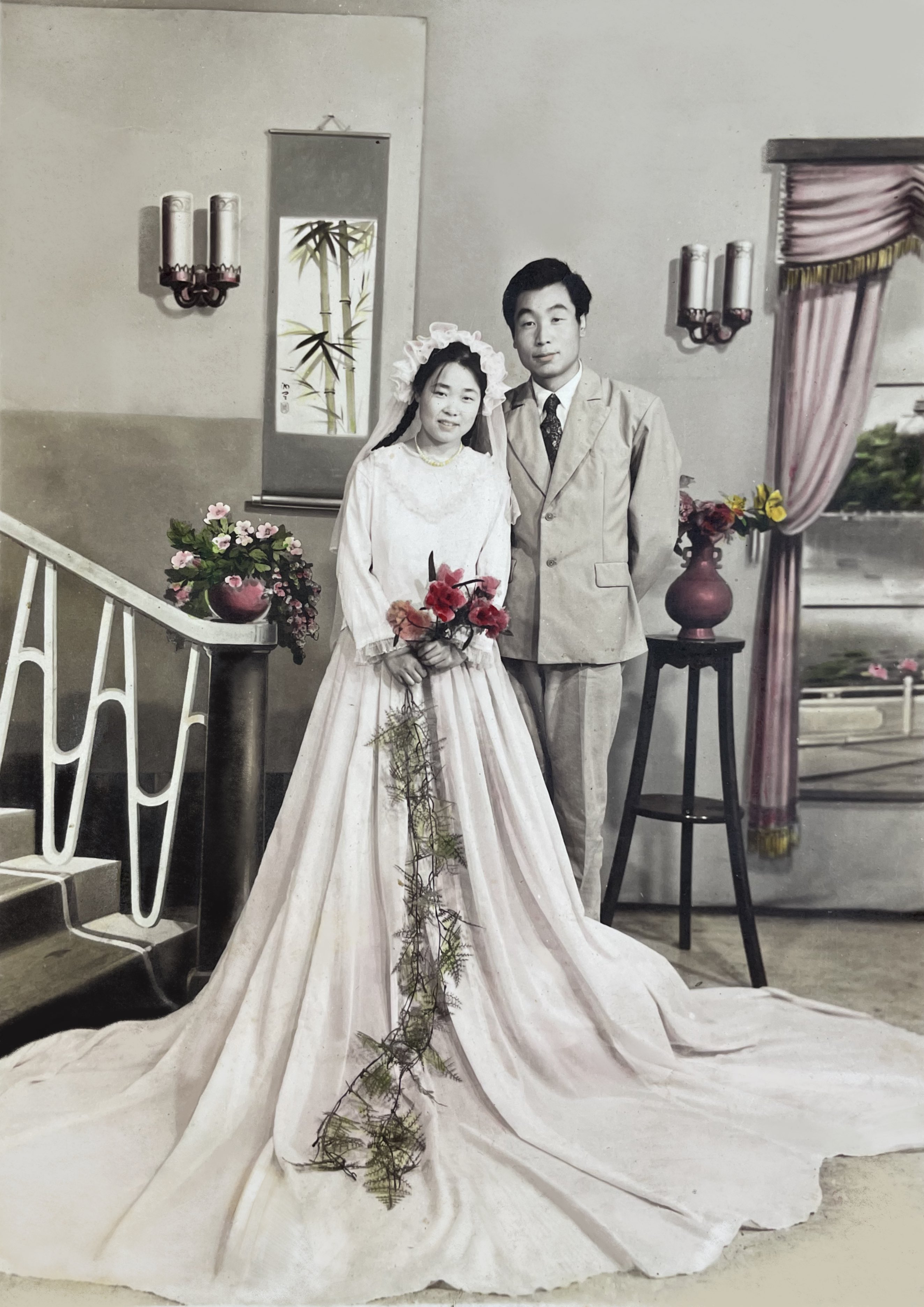
Print-Ready Output (4K & 8K)
If you're restoring pictures for framing, albums, or gifts, resolution matters. We offer download options up to 8K resolution.
High Resolution
Higher pixel dimensions hold up better for common print sizes like 8×10 and beyond.
Standard Formats
Downloads are provided in JPG/PNG, making it easy to share, store, and print anywhere.
Privacy & Security
Old family photos are personal. Privacy is our priority.
Automated Privacy
Your images are processed by algorithms, not by humans. Secure transfer over HTTPS.
No Tracking
We use browser-based IDs only for session management and abuse prevention. No cross-site tracking or selling data.
Tips If Your Photo Is Very Damaged
AI can help a lot, but your input quality still matters. These tips improve results when damage is severe.
Scan flat when possible
A flatbed scan avoids glare and distortion that phone photos can introduce.
Use the highest-quality scan
More pixels and better lighting give the tool more real detail to work with.
Avoid reflections and shadows
If you must use a phone, shoot in even light and keep the camera square to the photo.
Manage expectations for missing areas
If large parts are missing, restoration becomes an estimate; results are best when some detail remains.
Frequently Asked Questions
Everything you need to know about our old photo restore service.
Restore Old Photos Online Today
Experience professional-grade AI photo restoration in seconds. Bring your precious memories back to life.